Short answer: the four commands that locked the Dock on macOS 26 still work on macOS 27. We checked on macOS 27.0.1: the Dock still reads size-immutable, position-immutable, contents-immutable and autohide-immutable.
The commands
defaults write com.apple.dock size-immutable -bool true
defaults write com.apple.dock position-immutable -bool true
defaults write com.apple.dock contents-immutable -bool true
defaults write com.apple.dock autohide-immutable -bool true
killall Dock
Swap true for false and run killall Dock again to undo. No sudo: these are your own preferences. The command generator writes just the ones you want.
Where the settings are
The Dock still lives in System Settings › Desktop & Dock: size, magnification, position on screen, and automatically hide and show at the top. Once a lock is on, the matching control stops responding. That is the lock working; see Dock settings grayed out.
What has not changed
- The Dock still follows the pointer between screens, and there is still no setting or key to pin it to one display.
orientationstill takesleft,bottomorright, nevertop.- Recipes that claim to disable Cmd Tab through
com.apple.symbolichotkeysstill do nothing.
Upgrading from macOS 26
The locks are user preferences, so an upgrade keeps them. If your Dock looks different after upgrading, check whether a lock was on before: see why the Dock resets itself.
Still Dock on macOS 27
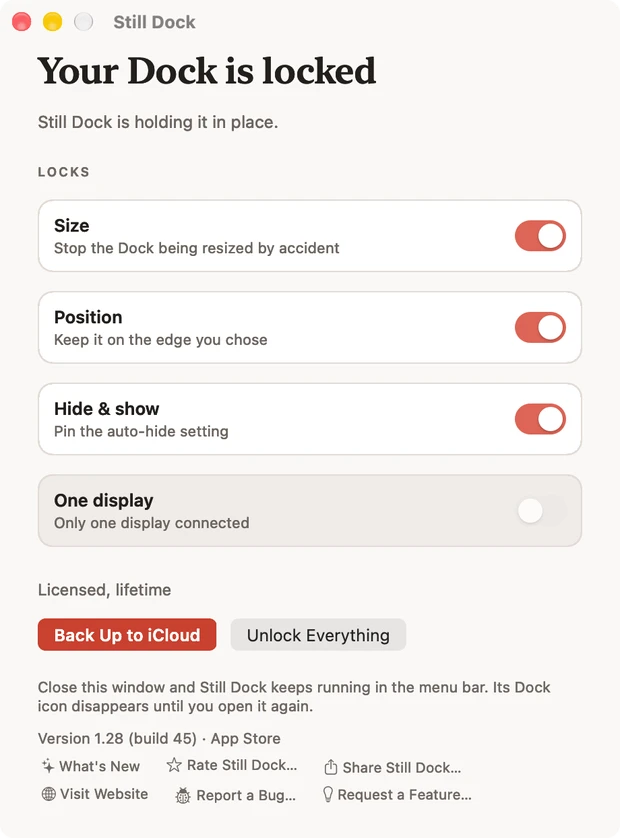
Still Dock runs on macOS 13 and later on Apple silicon, macOS 27 included. It is the same four settings as switches, plus a lock that keeps the Dock on one display, Presenting mode, "Hold Option to Move the Dock Once", Cmd Q and Cmd W protection, and a menu bar icon you can hide (bring it back by opening Still Dock or pressing Control Option Command D). The size lock is free.
Common questions
Do the commands need Full Disk Access on macOS 27?
No. They write your own Dock preferences, and no permission prompt appears.
Is there a new Dock setting in macOS 27 that locks it?
Not in System Settings. The locks are still hidden keys.