Short answer: put size-immutable, position-immutable, contents-immutable and autohide-immutable in a com.apple.dock payload and push it from your MDM. Users cannot change those settings while the profile is installed.
The keys
| Key | Locks |
|---|---|
size-immutable | Dock size (the divider drag and the slider) |
position-immutable | Left, bottom or right |
contents-immutable | Adding, removing and rearranging icons |
autohide-immutable | Automatically hide and show |
Set the matching values in the same payload (tilesize, orientation, autohide, persistent-apps) if you want every Mac to start from the same Dock. magnification-immutable appears in some lists and does nothing.
A sample profile
<dict>
  <key>PayloadType</key><string>com.apple.dock</string>
  <key>PayloadIdentifier</key><string>com.example.dock.lock</string>
  <key>PayloadUUID</key><string>REPLACE-WITH-A-UUID</string>
  <key>PayloadVersion</key><integer>1</integer>
  <key>size-immutable</key><true/>
  <key>position-immutable</key><true/>
  <key>contents-immutable</key><true/>
  <key>autohide-immutable</key><true/>
</dict>
Wrap it in a standard Configuration payload, give both a fresh UUID (uuidgen in Terminal), and sign it if your MDM expects signed profiles. Most MDMs (Jamf Pro, Kandji, Mosyle, Microsoft Intune and others) also offer a Dock section or a custom settings upload, which writes the same keys.
Deploying
- Scope it to the device for lab and kiosk Macs, or to the user for staff Macs.
- Test on one Mac first. Removing
contents-immutablelater does not restore icons a user could not add. - A profile installed by MDM can be marked non-removable. A profile installed by hand can be removed by an admin user in System Settings › General › Device Management.
Still Dock on a managed Mac
If Still Dock finds a profile already managing the Dock, it disables its own Dock locks and says so, to avoid fighting your organization's settings. The menu shows "Disabled: the Dock is managed by a profile".
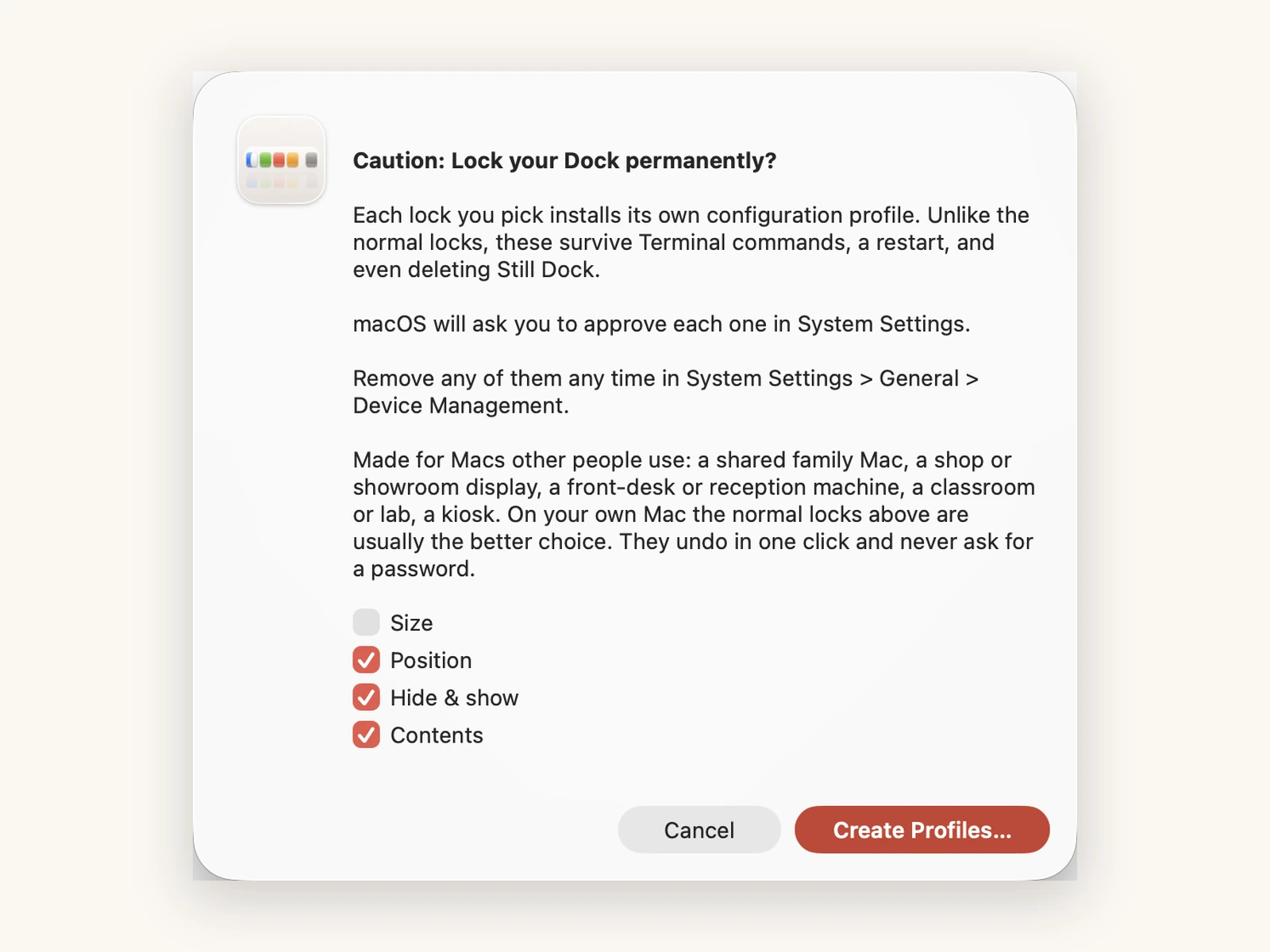
On Macs without MDM (a small office, a family, a shop), Still Dock's Lock Permanently (direct download, Pro) installs one signed profile per lock. macOS asks for approval of each in System Settings. The profiles survive Terminal, a restart and deleting Still Dock.
Profiles cannot keep the Dock on one display; no Dock key does that. See keeping the Dock on one screen.
Common questions
Do I need to run killall Dock after pushing the profile?
Usually not; the Dock picks up managed settings, at the latest at next login. If a Mac looks unchanged, log out and back in.
Why are the Dock settings grayed out for my users?
That is the profile working. See Dock settings grayed out.
Can I lock the Dock for one user only?
Yes. Scope the profile to that user, or set the keys with defaults while logged in as them.