Short answer: in Sidecar your iPad is a second display, so the Mac Dock moves onto the iPad when your pointer pushes against the iPad's bottom edge. Arrange the iPad so that bottom edge is out of the way, move the Dock to a side, or lock the Dock to the Mac's screen.
Why it happens
Sidecar extends the Mac desktop onto the iPad. To macOS the iPad is another screen, and the Dock follows the pointer between screens. The iPad's own Dock does not appear in Sidecar, so the Mac Dock landing on the iPad looks like a glitch. It is the usual multi-screen behavior.
Universal Control is different: there the iPad stays an iPad, the pointer only borrows it, and the Mac Dock never moves onto the iPad.
Fix 1: mirror
In Control Center › Screen Mirroring (or the Sidecar menu), choose to mirror your Mac's screen. One desktop means one place for the Dock. You lose the extra space.
Fix 2: keep the Mac as the main display
System Settings › Displays › Arrange: make sure the white menu bar sits on the Mac's screen. The Dock returns there after sleep and reconnection.
Fix 3: put the iPad above or beside, with no bottom edge to hit
In the arrangement, place the iPad above the Mac's screen. The iPad's bottom edge then touches the Mac's top edge, and pushing the pointer there moves you onto the Mac, so the Dock has no free bottom edge on the iPad. Beside the Mac it still has one.
Fix 4: move the Dock to a side
With the iPad on the right, put the Dock on the left (and the other way round). Only the outer edge can hold a side Dock.
Fix 5: lock it to one display
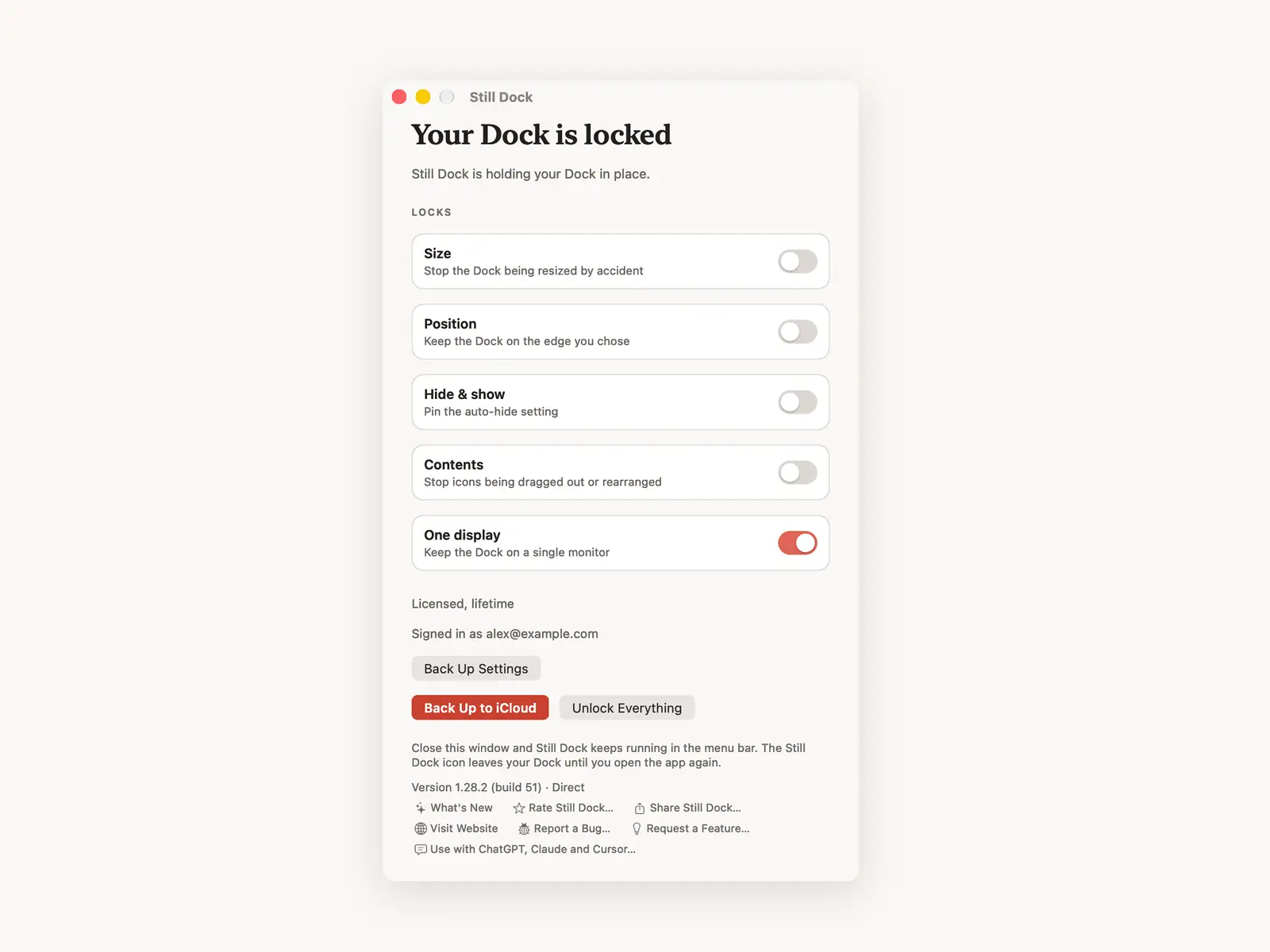
Still Dock's One display lock keeps the Dock on the screen you pick, and Sidecar counts as a screen like any other. It is in both the direct download and the Mac App Store version, as part of Pro.
Common questions
Can I use the iPad's own Dock in Sidecar?
No. In Sidecar the iPad shows part of the Mac's desktop, with a Sidecar sidebar and touch bar. The iPad's own Dock comes back when you leave Sidecar.
Why does the Dock stay on the iPad after I disconnect?
It should return to the Mac when the iPad screen goes away. If it does not, press Option Command D twice or run killall Dock.
Same thing with an external monitor?
Yes, same cause. See keeping the Dock on one screen.