Short answer: SlowQuitApps is still a good free choice if it runs well on your Mac. If you want something else, Chrome and Firefox have their own guards, macOS can remap Quit per app, Karabiner-Elements can rewrite the key, and Still Dock guards Cmd Q alongside its Dock locks.
What SlowQuitApps does
SlowQuitApps is a small open-source app (GPL-2.0) that adds a delay to Cmd Q in every app: hold the keys for about a second and an overlay counts down before the app quits. A tap does nothing. You can install it from its GitHub releases or with Homebrew. SlowQuitApps needs Accessibility permission to watch the keyboard.
People look for alternatives when it misbehaves after a macOS update, when they want it to cover only some apps, or when they want it bundled with other protections.
The alternatives
| Option | Covers | Cost | Catch |
|---|---|---|---|
| Chrome Warn Before Quitting | Chrome, Edge, Brave | Free | Those browsers only |
| Firefox Confirm before quitting | Firefox | Free | Firefox only |
| App Shortcuts remap | One app per entry | Free, built in | Cmd Q then does nothing at all in that app; redo on every Mac |
| Karabiner-Elements | Any app you write a rule for | Free, open source | A keyboard driver and JSON rules to maintain |
| Still Dock | The apps you choose | Part of Pro | Paid; the Dock locks come with it |
Built into the browsers
If the app you keep quitting is a browser, start there. Chrome's guard is in the Chrome menu, Firefox's is in Settings › General. Safari has none. Details in Chrome, Safari and Arc compared.
App Shortcuts in System Settings
Assign the Quit menu item of one app a shortcut you will never press. The remap is reliable and needs nothing installed. The remap moves the shortcut without guarding it, so deliberate quits need the new chord or the menu. See how to disable Cmd Q on a Mac.
Karabiner-Elements
Karabiner-Elements is a free keyboard customizer. Complex modifications from its community gallery can require a double press of Cmd Q, or block Cmd Q in named apps. Karabiner-Elements is powerful and well maintained, and suits people happy to edit rules.
Still Dock
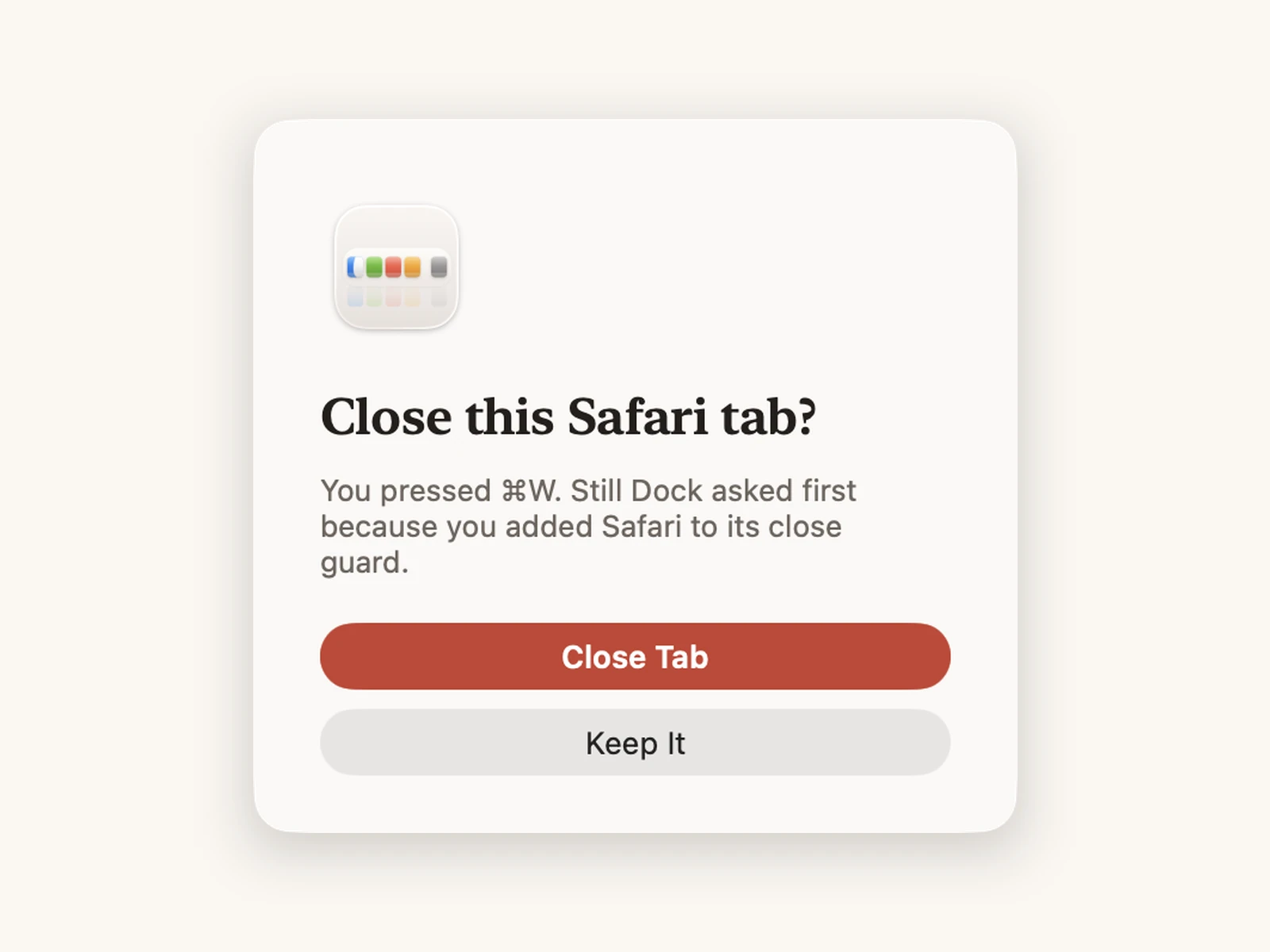
Still Dock is mainly a Dock lock, and it guards Cmd Q and Cmd W in the apps you choose. In the direct download a quit needs a hold and Cmd W asks before closing; in the Mac App Store version both need a second press. The direct download also has a Cmd Tab guard. You can switch the Cmd Q guard from your iPhone, Siri or an AI assistant, which helps on a Mac other people use. It is part of Still Dock Pro.
Common questions
Is SlowQuitApps safe?
It is open source, so its code is public. Download it from its GitHub page or Homebrew, and nowhere else.
Can I run SlowQuitApps and Still Dock together?
Avoid guarding Cmd Q in both at once. Two tools holding the same shortcut can make each other's timing unpredictable.
Does any of this stop Force Quit?
No. Option Command Escape and the Apple menu's Force Quit always work, which is what you want when an app hangs.