Short answer: put only the apps they use in the Dock, make it large, then lock size, position and contents so nothing gets dragged away. Add bigger text, a Standard account, and a way to help from your own phone.
1. Build a simple Dock
- Right-click each app they do not use and choose Options › Remove from Dock. Keep five to eight.
- Turn off Show suggested and recent apps in Dock in System Settings › Desktop & Dock, so new icons do not appear. See stopping recent apps in the Dock.
- Make it big with the size slider. Turn magnification off; icons that grow and move are confusing.
- Leave it at the bottom, and turn automatically hide off so it is always visible.
2. Freeze it
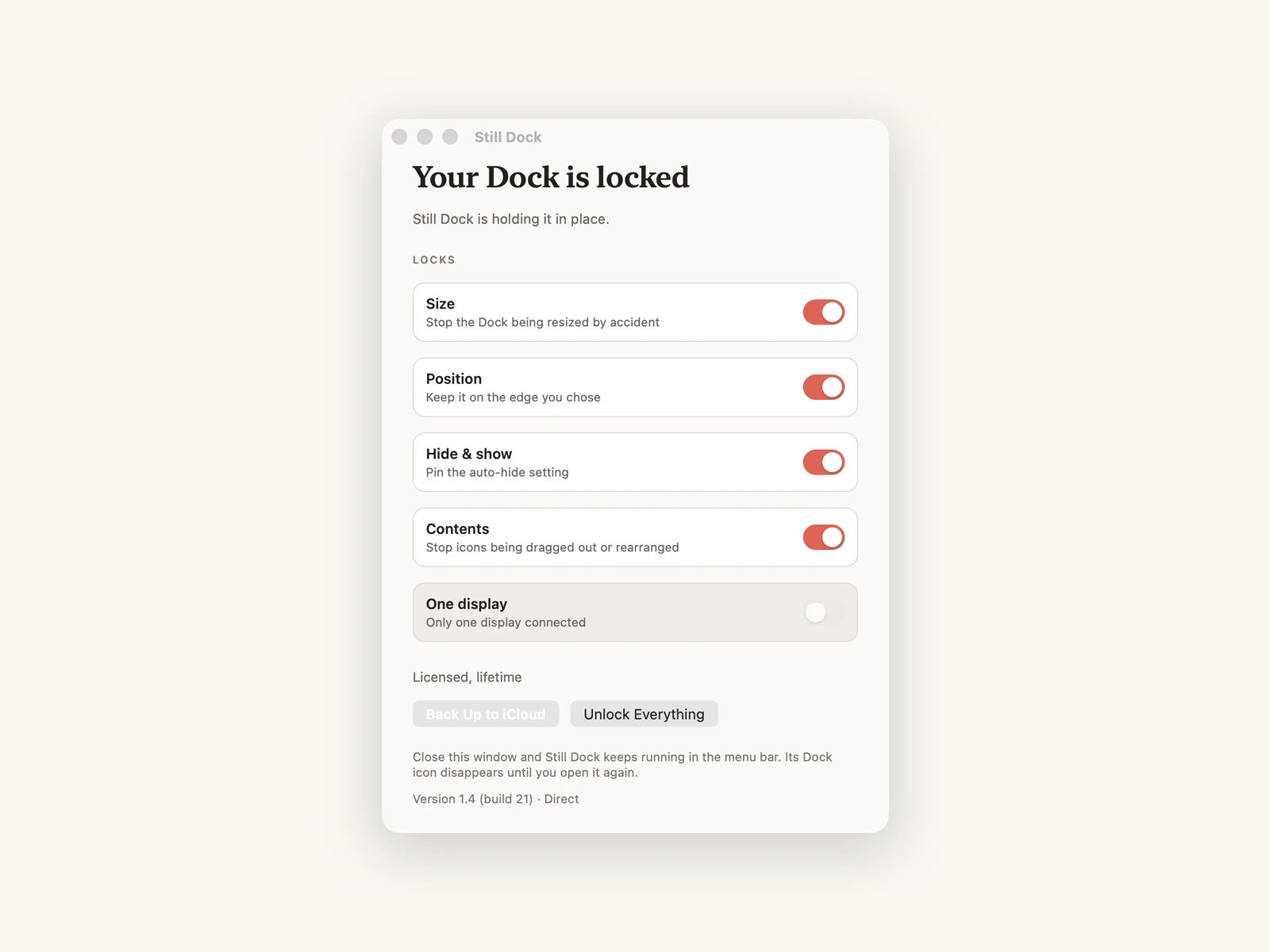
The usual calls: "the icons are gone", "it went tiny", "the bar moved to the side". Each is a drag or a click by accident. Lock them:
defaults write com.apple.dock size-immutable -bool true
defaults write com.apple.dock position-immutable -bool true
defaults write com.apple.dock contents-immutable -bool true
defaults write com.apple.dock autohide-immutable -bool true
killall Dock
Or install Still Dock and switch them on. The size lock is free; the others are part of Pro. The contents lock is in the direct download.
3. Make the rest easier
- System Settings › Accessibility › Display: larger text, and Increase contrast if it helps.
- Accessibility › Display › Pointer: a larger pointer, and shake to locate.
- Use a Standard account for them, and keep an admin account for yourself.
- Turn on Cmd Q protection for Mail and Safari, so a slip does not close everything. Still Dock does this per app.
4. Help from a distance
With Still Dock for iPhone on your phone you can see which locks are on and switch them. The Mac appears when the Mac and your iPhone share an Apple Account, or when both are signed in to the same Still Dock account; see the account note in the iPhone guide. For screen help, Messages and FaceTime both support screen sharing.
If they need to change it
Turn on Touch ID or password approval in Still Dock, so unlocking needs you or a deliberate step. If the Dock ever does go missing, the first fix is Option Command D: see my Mac's Dock disappeared.
Common questions
Will updates undo the setup?
No. The locks are preferences that survive macOS updates.
Can they still open apps that are not in the Dock?
Yes, from Launchpad, Spotlight or the Applications folder. Locking the contents only stops the Dock itself being changed.
Is this the same as a shared family Mac?
Close. See locking the Dock on a family Mac.